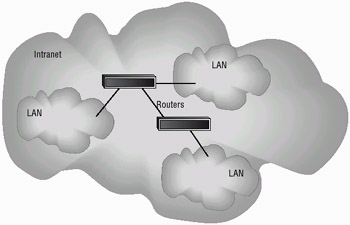
lebih kurang macam ni
setting utk router & DM
1.sebaiknya assign fixed ip kat DM, bukan DHCP.
2.register domain dgn dyndns.com
3.enable ddns kat router & fwd pada dyndns domain tu
4.bukak private port ni. port80(http)/443(https), port21(ftp), port23(telnet) & 8001(streaming). assign apa2 inbound port utk 3 private port ni. contoh: aku assign 8801 utk port80, 8802 utk port21 & 8803 utk port23.
5.webservice plugin kat DM kena enable.
utk laptop (mac)
1.download idreamx
2.masukkan setting dibwh
a)server: masukkan domain dyndns.org (seperti yg register kat dyndns.com)
b)port:8801 (utk http)
c)login name/pw- aku biarkan kosong (aku pilih HTTP authentication kat webservice plugin as NO). kalau nak set pw pun boleh.
d)box network type-pilih internet
e)click checkbox
utk ipad/iphone boleh pakai istreamgate atau dreambox live. aku dah test, dua2 ok
ntah la tak tau la kawan2 boleh faham ke tak.. aku sendiri pun dah confuse.