
Xploit Machine
CG Hardcore Club

- Messages
- 73,588

- Joined
- Nov 23, 2012
- Messages
- 73,588
- Reaction score
- 7,740
- Points
- 916

1. Get temporary email from this site. Only this domain is currently working
- https://t.odmail.cn/ or use your official email from Universities / College (Use Google Translate)
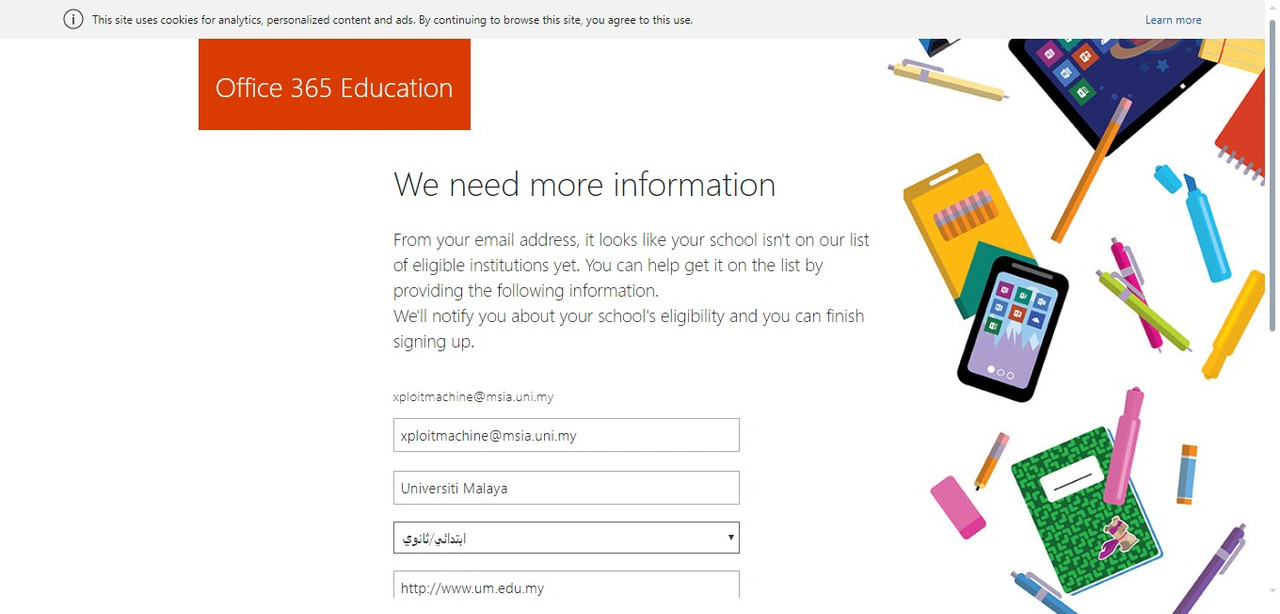
2. Go To Office 365 signup link
- https://www.microsoft.com/en-us/education/products/office?tab=students
3. Paste your temporary email from 1st link. Hint you can custom make the email address with something you can remember as this is what you will be logging in with to Office365. Also use google translator to translate the website since its in Chinese.
4. Select M Student And Fill Name, Last Name. Fake name please.
5. Go back to temp email site and get your verification code and paste it to activate your account.
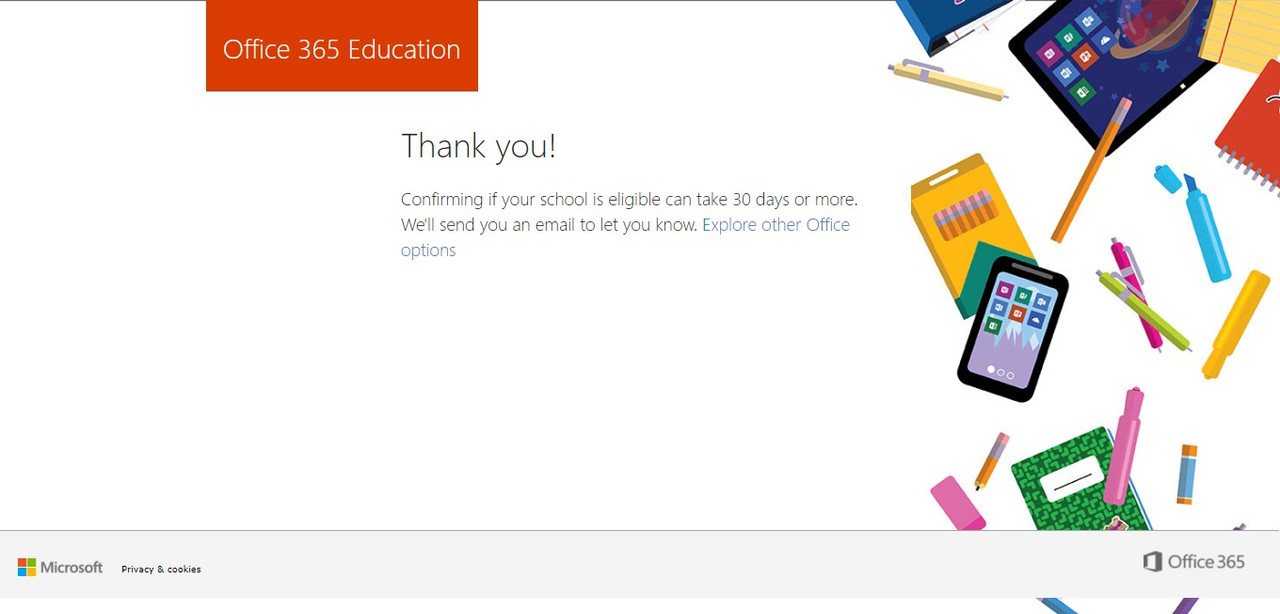
6. Finally set your recovery Email or Number (wait for process)
Last edited:


