
mohdshukortalib
Active Member
- Messages
- 1,852
- Joined
- Nov 15, 2011
- Messages
- 1,852
- Reaction score
- 222
- Points
- 33

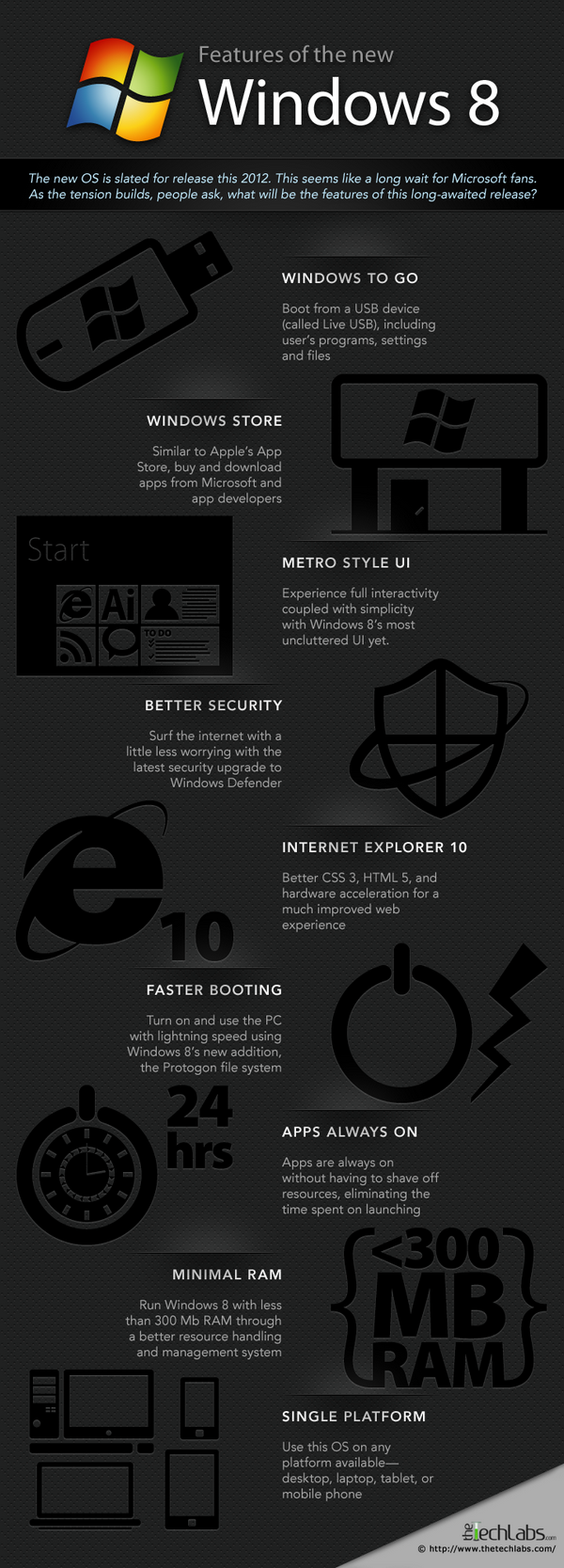
System Requirements:
Processor: 1 gigahertz (GHz) or faster 32-bit (x86) or 64-bit (x64).
RAM: 1 gigabyte (GB) (32-bit) or 2 GB (64-bit).
HDD: 16 GB available hard disk space (32-bit) or 20 GB (64-bit).
DirectX 9 graphics device with WDDM 1.0 or higher driver
Taking advantage of touch input requires a screen that supports multi-touch
To run Metro style Apps, you need a screen resolution of 1024 X 768 or greater.
Download:
Windows Consumer Preview [Official]
- Download Windows Consumer Preview 64bit
- Download Windows Consumer Preview 32bit
- Download Windows Consumer Preview Web Installer
Product Key:
DNJXJ-7XBW8-2378T-X22TX-BKG7J
TVK6N-GBBK4-M4KB4-PTQYG-HFMQW
RGMGV-NVC78-HVV8M-2H2Y8-PJ73W
NF32V-Q9P3W-7DR7Y-JGWRW-JFCK8
64-bit Sha 1 hash
1288519C5035BCAC83CBFA23A33038CCF5522749
32-bit Sha 1 hash
E91ED665B01A46F4344C36D9D88C8BF78E9A1B39
PlayReady PC Runtime v2.3:
Microsoft PlayReady technology is optimized for the mobile industry to support the growth of online content services, and includes features designed to make it easier than ever for consumers to enjoy mobile digital entertainment. This runtime allows Windows 8 Consumer Preview PC based applications to access PlayReady content using the PlayReady PC Runtime API.
- Download PlayReady PC Runtime v2.3 64bit
- PlayReady PC Runtime v2.332bit
Installation:
Panduan bergambar memasang Windows 8
Panduan Memasang Windows 8 Menggunakan DVD:
- Burn file ISO windows 8 ke DVD.
- Restart PC dan Set BIOS supaya boot ke DVD drive.
Panduan Memasang Windows 8 Menggunakan Flash Disk:
- Download Tool ini.
- Install dan ikut arahan program tersebut.
Panduan Memasang Windows 8 Menggunakan HDD External:
- Buat partition baru. Pastikan format NTFS, Primary Partition, dan set Active Partition.
- Ekstrak file yang ada di dalam ISO ke partition baru.
- Rename file bootmgr menjadi ntldr.
- Restart PC dan Set BIOS supaya boot ke HDD external.
Last edited:


 (
(


 )
)

